

I already shared a solution to Windows Error 0x80070035 when opening network drives error here.
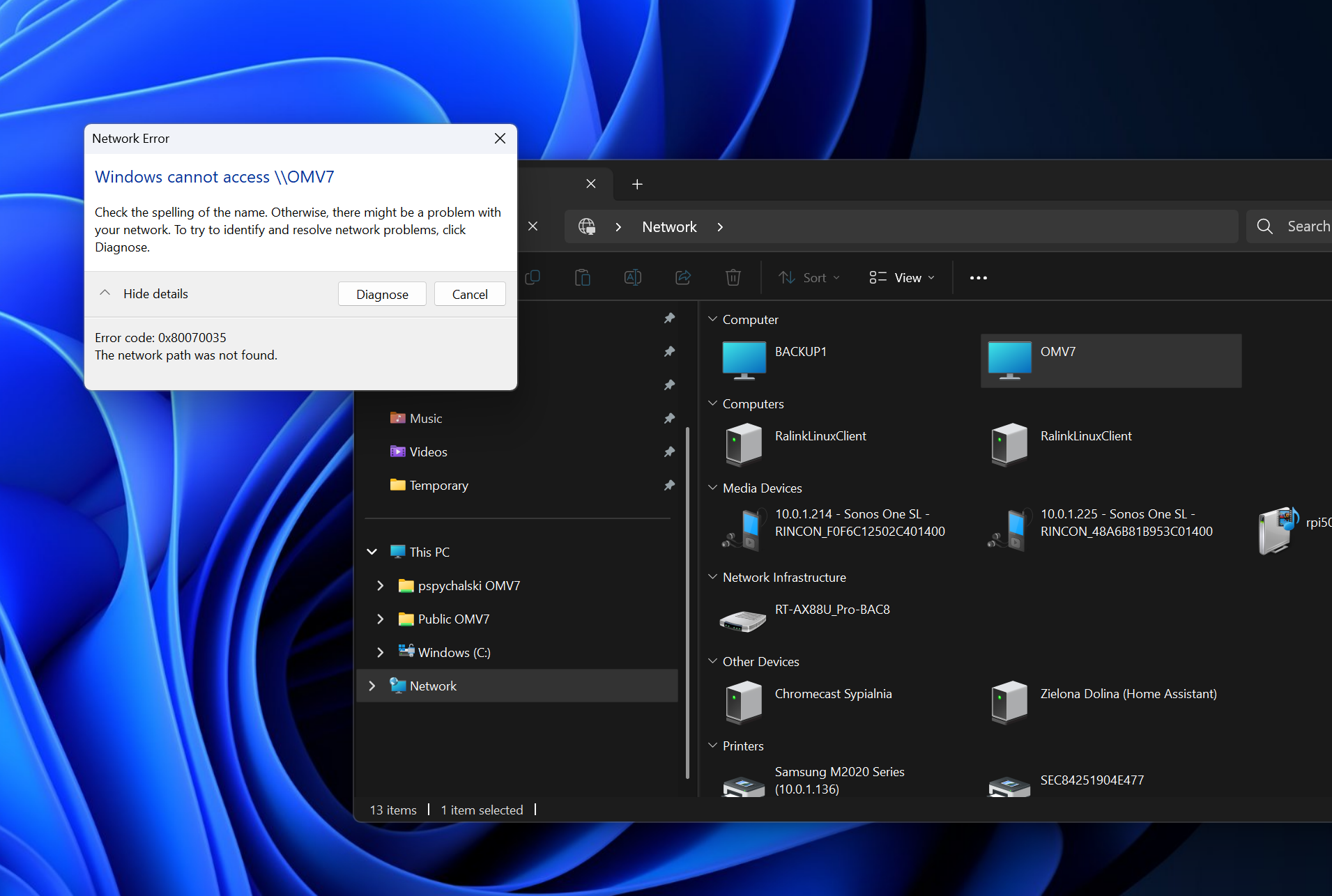
However, apparently latest version of Windows 11 changes something again (sic!) and old solution is not guaranteed to work anymore.
Hence, Windows Error 0x80070035 strikes again with a full force.
Luckily, there is another solution that enables “Insecure guest logons” and makes DIY or just old NAS drives and shares usable again!
To make that work
Hit Windows + R on your keyboard and run gpedit.msc

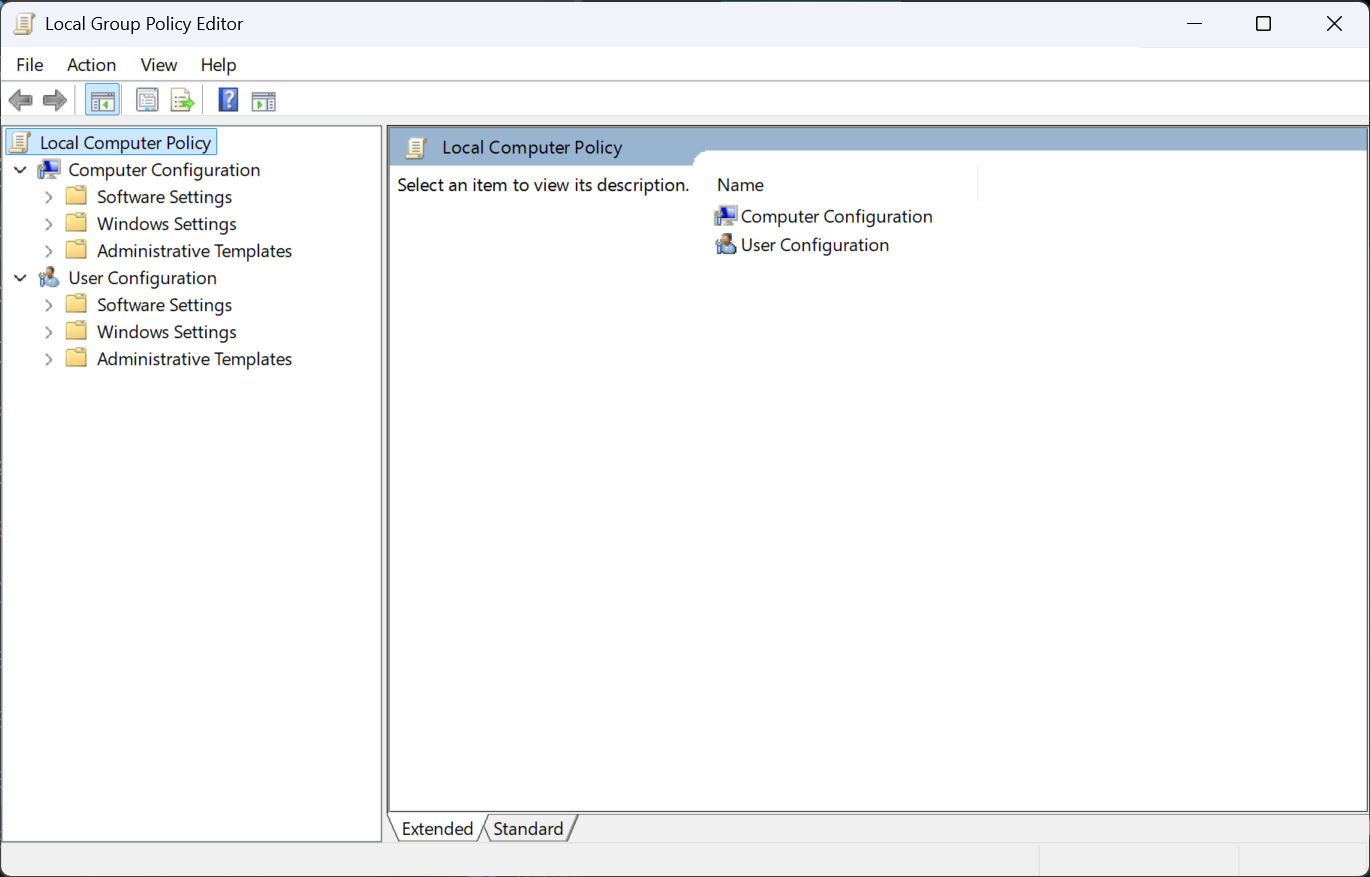
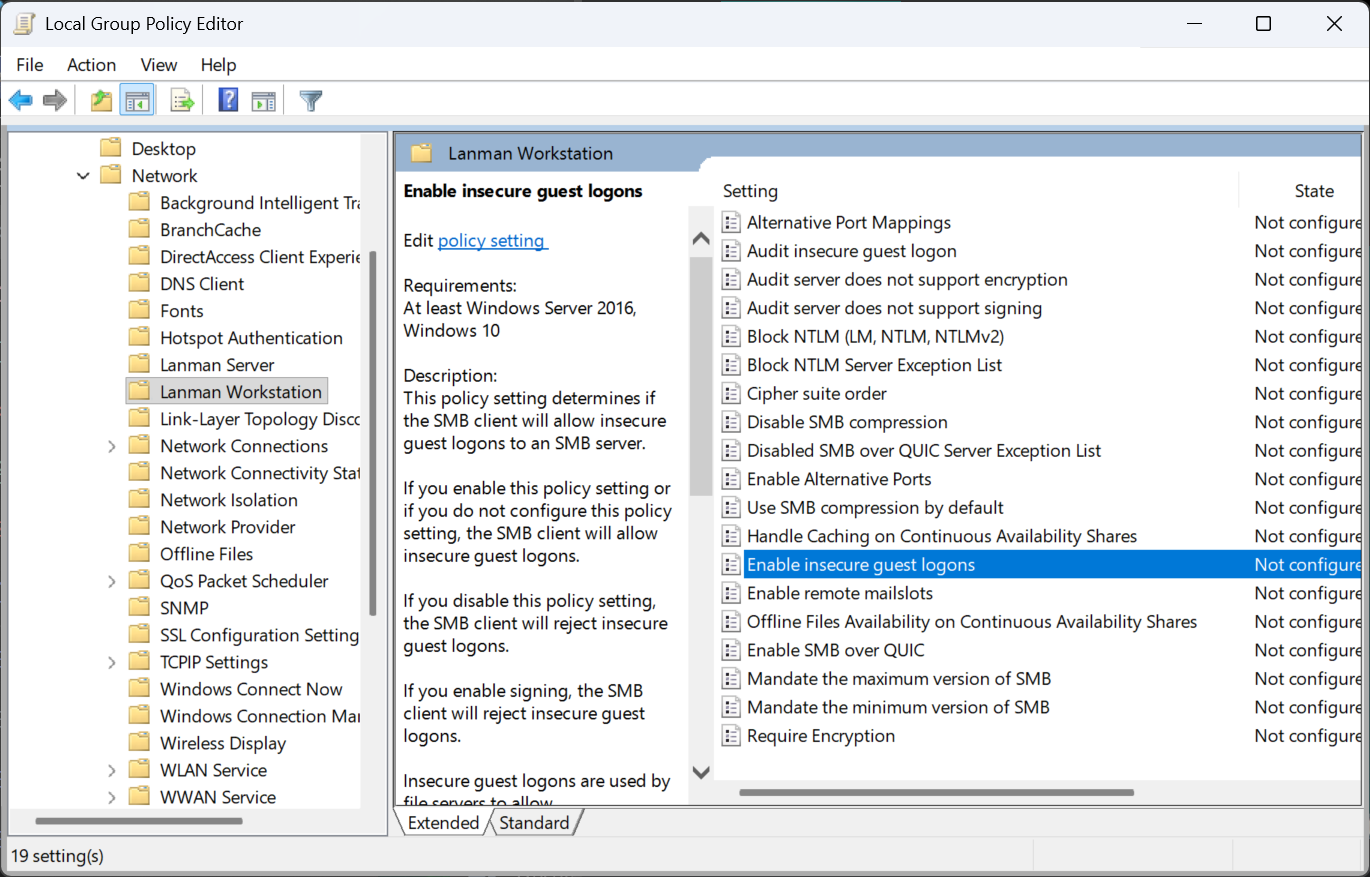
Navigate to Computer Configuration / Administrative Templates / Network / Lanman Workstation and find option “Enable insecure guest logons“
Double click and change to “Enabled”
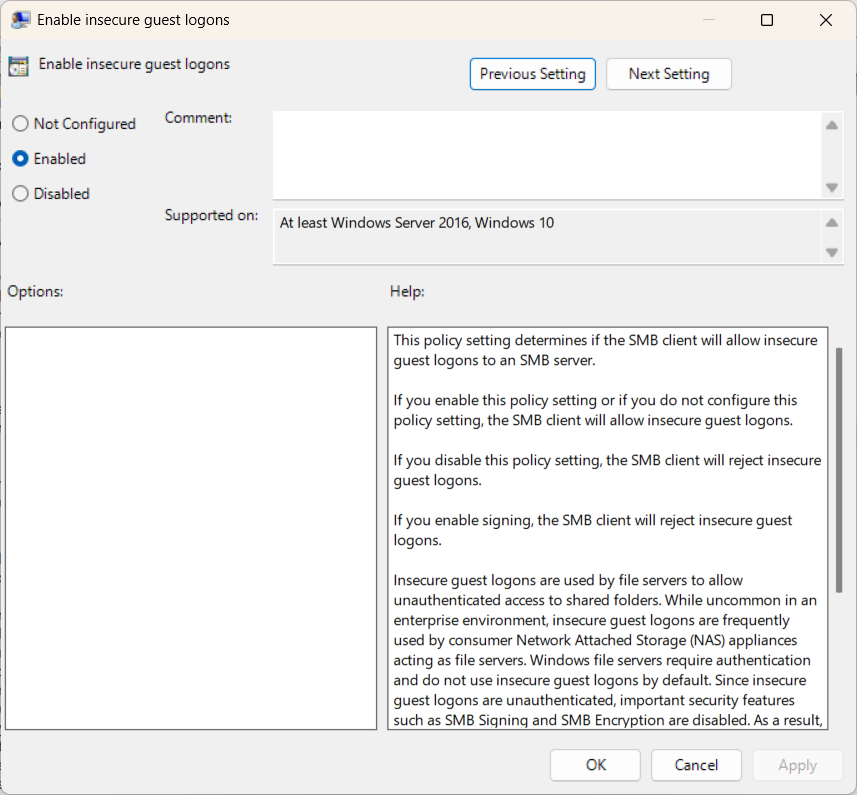
Done, after restart, Windows Error 0x80070035 should be gone and your NAS drive will be working again! Oh Microsoft, it’s hard to love you sometimes….